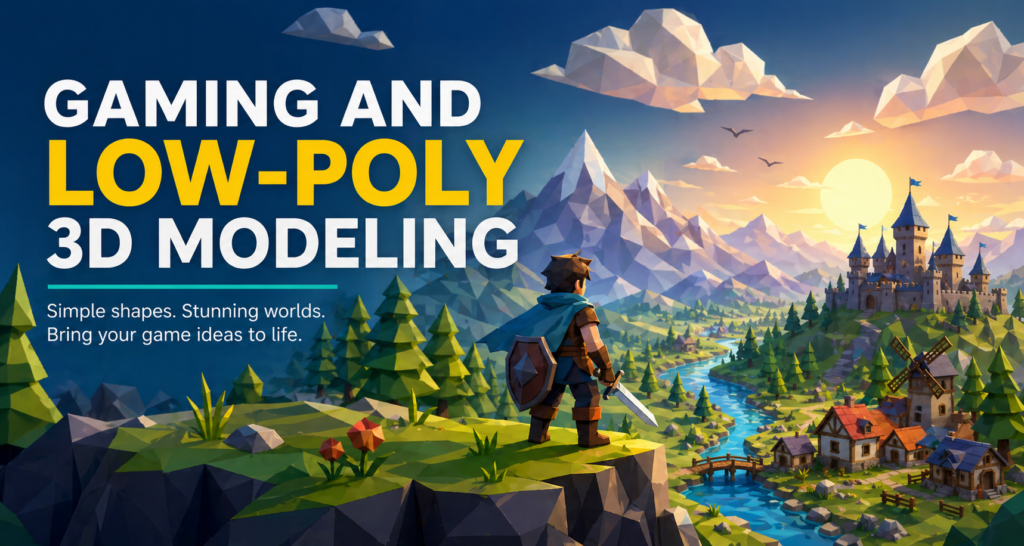
If you’ve ever played a game with a clean, stylized look—sharp edges, simple shapes, and bold colors—you’ve likely encountered low poly 3D modeling. This design style has grown from a technical limitation into a powerful artistic choice used by indie developers, students, and even major studios. Today, low poly design is everywhere, from mobile games to VR experiences, and it’s one of the best entry points into the world of 3D modeling.
In this blog, we’ll explore what low poly 3D modeling is, how it’s used in gaming, tips and tricks to improve your skills, the best software to get started, and how you can begin your own journey. Whether you’re a college student, aspiring game developer, or just someone curious about design, this guide is built for you.
What is Low Poly 3D Modeling?
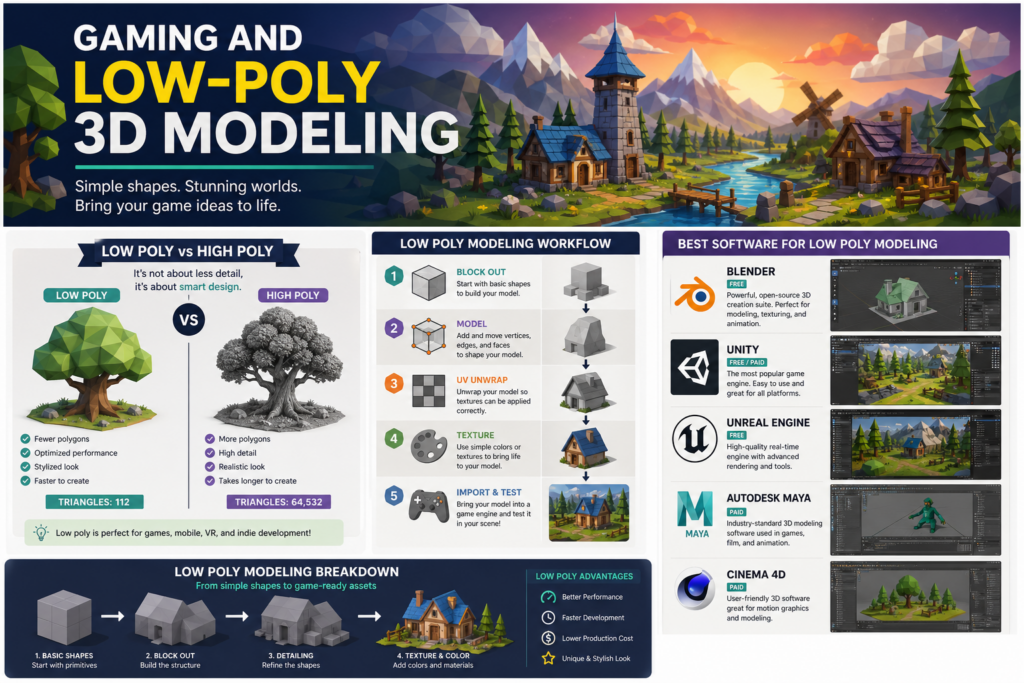
Low poly 3D modeling refers to creating 3D objects using a minimal number of polygons. Polygons are the flat surfaces (usually triangles or quads) that make up a 3D model. The fewer polygons you use, the “lower” the poly count.
Originally, low poly modeling was necessary because older computers and gaming systems couldn’t handle complex, high-detail models. But today, it’s an intentional design style. Developers use it to create:
- Clean, stylized visuals
- Faster performance in games
- Easier workflows for small teams
- Unique artistic identity
Low poly modeling emphasizes creativity over complexity. Instead of relying on detailed textures, artists use shape, color, and lighting to bring models to life.
Low Poly 3D Modeling for Gaming
Why It’s Popular in Gaming
Low poly design plays a huge role in modern gaming, especially among indie developers and small studios. Here’s why:
1. Performance Optimization
Games need to run smoothly across different devices. Low poly models require less processing power, making them ideal for mobile games, web-based games, and VR experiences.
2. Faster Development Time
Creating high-detail models can take days or even weeks. Low poly models are quicker to produce, allowing developers to build entire worlds more efficiently.
3. Unique Art Style
Low poly games stand out visually. Their minimalist aesthetic creates a recognizable and memorable look that players often associate with creativity and originality.
4. Accessibility for Beginners
Low poly modeling is one of the easiest ways to start learning 3D design. You don’t need advanced skills to create something visually appealing.
Examples of Low Poly Games
Many successful games have used low poly modeling to great effect:
- Stylized survival and sandbox games
- Indie adventure games with vibrant environments
- Simulation and strategy games with simplified assets
These games prove that you don’t need hyper-realistic graphics to create an engaging experience. In fact, simplicity often enhances gameplay by keeping the focus on mechanics and creativity.
Tips and Tricks for Low Poly Modeling
Getting started with low poly design is exciting, but improving your skills requires practice and smart techniques. Here are some key tips:
1. Keep It Simple
The goal is not to add more detail—it’s to use less. Focus on basic shapes like cubes, spheres, and cylinders. Combine them creatively to form more complex objects.
2. Master Basic Geometry
Understanding how vertices, edges, and faces work will make modeling much easier. Learn how to manipulate these elements efficiently.
3. Use Flat Colors and Simple Textures
Low poly models often rely on solid colors instead of detailed textures. This keeps the design clean and consistent.
4. Focus on Silhouettes
A strong silhouette makes your model recognizable even without details. Zoom out and check if your object is still clear and readable.
5. Optimize Your Polygon Count
Always aim to use the fewest polygons possible while maintaining the shape. This is especially important for game performance.
6. Learn Lighting Techniques
Lighting plays a huge role in low poly design. Good lighting can add depth and mood without increasing complexity.
7. Practice by Recreating Objects
Start by modeling simple real-world objects like chairs, trees, or buildings. This builds confidence and helps you understand proportions.
Best Software for Low Poly 3D Modeling
Choosing the right software is essential. Here are some of the most popular tools used for low poly modeling:
1. Blender (Free)
Blender is one of the best tools for beginners and professionals alike. It’s completely free and offers powerful modeling, rendering, and animation features.
Why use it:
- No cost
- Huge community and tutorials
- All-in-one tool
2. Unity (Game Engine)
Unity is widely used for game development. While it’s not a modeling tool, it’s essential for bringing your low poly models into a playable environment.
Why use it:
- Easy integration with 3D assets
- Great for beginners
- Supports multiple platforms
3. Unreal Engine
Unreal Engine is another powerful game engine known for high-quality visuals, but it works great with low poly assets too.
Why use it:
- Advanced lighting and rendering
- Real-time game development
- Industry-standard tool
4. Maya (Paid)
Maya is a professional-grade 3D modeling software used in film and game industries.
Why use it:
- Advanced modeling tools
- Industry recognition
- Great for complex projects
5. Cinema 4D (Paid)
Cinema 4D is known for its user-friendly interface and motion graphics capabilities.
Why use it:
- Easy to learn
- Clean workflow
- Great for design-focused projects
How to Start with Low Poly 3D Modeling
If you’re new to 3D modeling, starting can feel overwhelming. Here’s a simple step-by-step approach:
Step 1: Download Software
Start with Blender since it’s free and beginner-friendly.
Step 2: Learn the Basics
Watch beginner tutorials to understand navigation, tools, and controls.
Step 3: Create Simple Models
Start small—make objects like:
- A tree
- A house
- A simple character
Step 4: Build a Small Scene
Combine your models into a mini environment, like a park or a village.
Step 5: Export to a Game Engine
Import your models into Unity or Unreal Engine to see them in action.
Step 6: Share Your Work
Post your creations on social media or portfolio sites to get feedback and grow.
Why Low Poly Modeling Matters Today
Low poly modeling isn’t just a beginner-friendly style—it’s a powerful tool in modern game design. As gaming expands into mobile, VR, and indie spaces, efficiency and creativity matter more than ever.
Low poly design allows developers to:
- Create games faster
- Stand out visually
- Reach more devices and audiences
It’s not about limitations—it’s about making smart creative choices.
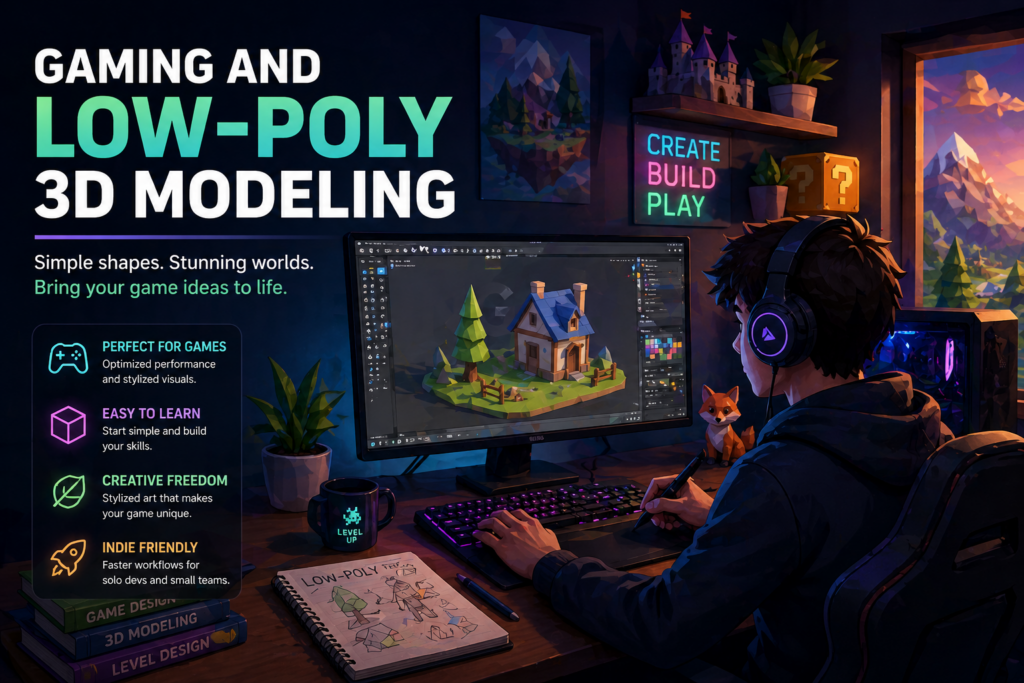
Start Now
Low poly 3D modeling is one of the most accessible and rewarding ways to enter the world of gaming and design. It blends creativity, efficiency, and style into a format that’s perfect for beginners and professionals alike.
Whether you want to build your own game, create digital art, or explore a new hobby, low poly modeling is a great place to start. With the right tools, consistent practice, and a willingness to learn, you can turn simple shapes into incredible worlds.
Ready to start your journey?
- Follow us on social media for tips, tutorials, and inspiration
- Join our email list for exclusive content and resources
- Check out our other blog posts to keep learning and growing
Your first 3D model is just a few clicks away—start creating today